
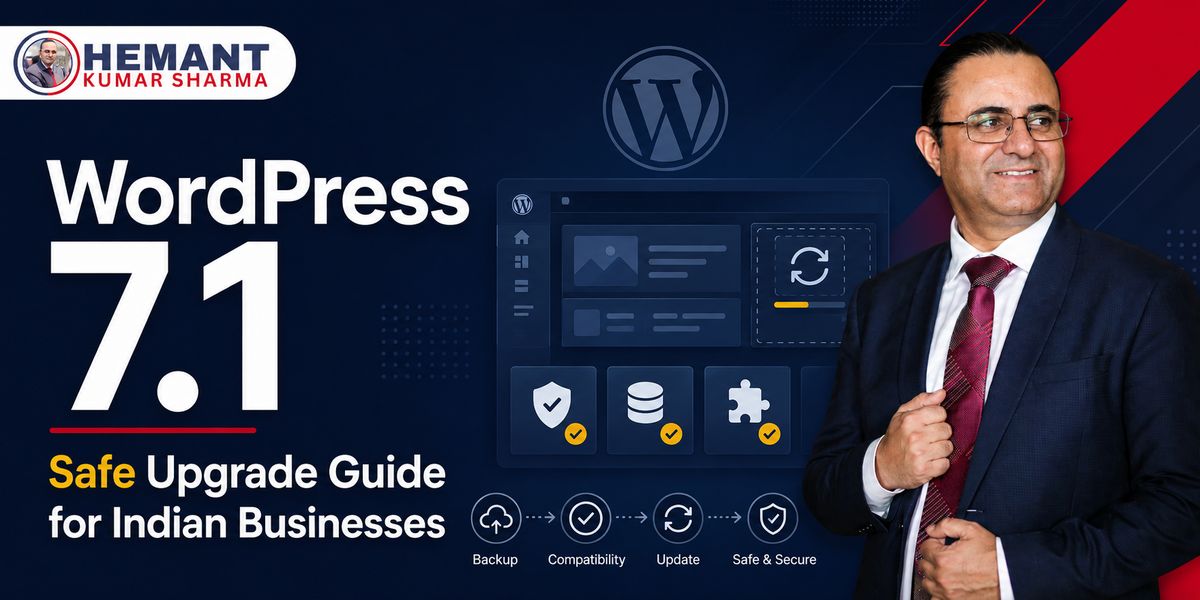
A major WordPress update is not a one-click formality
WordPress 7.1 “Mary Lou” ab officially released hai. For many Indian businesses, the tempting response will be simple: dashboard mein update button dikha, click kar diya. But a major core update touches an ecosystem—theme, plugins, page builder, forms, payment flows, analytics, caching, security rules and hosting configuration. The visible website may survive while an important conversion path quietly breaks.
The better approach is neither fear nor automatic urgency. It is a controlled upgrade: confirm what has actually shipped, test the business-critical journeys on staging, take recoverable backups, update during a low-risk window and watch the site after deployment.
WordPress officially released version 7.1 “Mary Lou” on Aug 19, 2026. The release announcement confirms more than 1,500 enhancements and fixes from over 800 contributors, including more than 170 first-time contributors. These are official release-level figures. They do not mean every plugin or theme is automatically compatible, so a staged upgrade remains the right business approach.
What WordPress has confirmed
- WordPress 7.1 “Mary Lou” is now generally available as the official major release.
- The Field Guide documents accessibility improvements across administration screens, list tables, setup flows, widgets, navigation and editor interfaces.
- The release expands the Abilities API, allowing abilities to be discovered, filtered, exposed and integrated more consistently with external clients.
- A persistent administration toolbar improves navigation across supported front-end, administration, Site Editor and Block Editor contexts.
- WordPress 7.1 includes client-side media processing and public APIs for registering and rendering SVG icon collections.
- Theme and block capabilities include new background-image and gradient support, alongside wider editor, component and design-system changes.
Confirmed facts versus analysis
The release stage, schedule and feature descriptions above come from official WordPress sources. The recommendations below are professional analysis for business websites. They do not predict that a particular plugin, theme or hosting stack will fail. Compatibility can be established only by testing the actual site configuration.
Why this release matters beyond developers
Business owners usually experience WordPress through outcomes: enquiries arrive, payments complete, pages load, content gets published and search visibility stays healthy. WordPress 7.1 matters because several changes sit underneath those outcomes.
1. Collaboration can improve the publishing workflow
WordPress has been advancing collaborative editing and Notes-related workflows. For an agency, training company or consultant-led business, clearer review inside the editing experience can reduce long WhatsApp threads and duplicated document versions. Lekin process automatically improve नहीं होता. Decide who drafts, who reviews, who can publish and what evidence is required before a page goes live.
2. Accessibility improvements are business improvements
Better keyboard behaviour, focus handling, semantics, contrast and contextual information help people use the administration and editing interfaces more effectively. Accessibility is also relevant to public-facing quality. The core update does not make every website accessible; custom themes, colour choices, forms, headings, link text and third-party widgets still need review.
3. Media processing can change upload workflows
Client-side media processing can move selected work closer to the browser before the file reaches the server. That can create better foundations for media handling, but agencies should test real devices and browsers. A feature that works smoothly on a powerful laptop may feel different on an older phone, a weak connection or a content executive’s everyday machine.
4. New APIs expand opportunity—and compatibility risk
The Abilities API, icon APIs and evolving editor components are useful building blocks for plugin authors. They can support richer integrations and more consistent interfaces. They also mean custom plugins and theme extensions deserve testing, especially where they hook into editor components, toolbar behaviour, REST endpoints, jQuery UI or custom block styling.
5. Design tools may affect theme output
WordPress 7.1’s expanded gradient and background-image support is useful for modern layouts. Existing sites should verify that theme.json settings, custom CSS and page-builder output still produce the intended result. Do not redesign a live landing page merely because a new control appears; first protect the page that is already converting.
India-specific implications
SME websites often depend on many plugins
Indian SME websites frequently combine a commercial theme, page builder, form plugin, WhatsApp button, SMTP service, SEO plugin, cache, security layer, backup tool and several tracking scripts. Each dependency increases the number of possible interactions. The important question is not “Is WordPress 7.1 stable globally?” but “Is our exact stack stable for our essential journeys?”
Lead generation failures can remain invisible
A form may display correctly yet stop sending email. A WhatsApp click may work while GA4 and Google Ads events disappear. A phone link may remain clickable but no longer be counted as a conversion. Before and after the update, submit genuine test enquiries and verify receipt in the inbox, CRM, Google Sheet or helpdesk—not only the thank-you message.
Ecommerce needs transactional testing
WooCommerce sites should test product pages, variations, coupons, shipping, tax presentation, payment gateway redirects, order emails and mobile checkout. If the business supports COD, regional delivery or GST-related invoice workflows, include those paths. A successful homepage check tells you almost nothing about order completion.
Shared hosting changes the risk calculation
Some businesses have limited staging, backup or server visibility. Confirm the PHP version, database compatibility, storage headroom, backup restoration method and support escalation route with the hosting provider. “Backup available” is incomplete unless someone knows how long restoration takes and who can initiate it.
The pre-upgrade checklist
- Inventory WordPress core, active theme, child theme, must-use plugins, active plugins, PHP version and any custom code.
- Identify business-critical journeys: lead form, call button, WhatsApp handoff, booking, login, search, checkout, payment, email and analytics events.
- Read current compatibility notes from the theme, page-builder, ecommerce and security vendors you actually use.
- Create a full backup of database and files, then confirm the backup is accessible and restorable.
- Clone the production configuration to staging where possible. A clean demo install cannot reveal conflicts unique to the live site.
- Record baseline screenshots and metrics for important pages, mobile menus, forms, Core Web Vitals, console errors and conversion events.
- Update staging in a controlled sequence and keep a change log. Avoid changing core, theme, plugins, server version and tracking setup simultaneously.
- Run tests on mobile and desktop, logged-in and logged-out states, and at least one realistic low-bandwidth scenario.
A safe release-window plan
Before the update
Assign an owner, approver and rollback decision-maker. Pick a low-traffic window that still leaves your developer or hosting support available. Pause non-essential site edits and campaigns that depend on newly changing landing pages. Note current plugin versions, cache configuration and tracking status.
During the update
Take a fresh backup, enable maintenance handling only if needed, apply the approved sequence and clear caches carefully. Watch server logs and the browser console. If the site uses a CDN or security proxy, remember that cached pages can make a failed deployment look healthy—or make a healthy deployment look broken.
Immediately after the update
Verify the homepage, navigation, top landing pages and the complete conversion journeys. Test transactional email, form storage, analytics events and ad-platform conversion signals. Check Search Console and SEO settings for accidental indexing, robots, sitemap or canonical changes. Compare with baseline screenshots rather than relying on memory.
Over the following 48–72 hours
Monitor error logs, uptime, form volume, checkout completion, organic landing-page traffic and paid-campaign conversion rates. Conversion decline can have many causes; confirm tracking and website behaviour before blaming the core update. Keep the rollback option until the business-critical paths remain stable across a meaningful observation window.
What not to do
- Do not install a release candidate on a production or mission-critical website.
- Do not enable unattended major-version updates on a complex business site without a tested recovery process.
- Do not treat a visual homepage check as complete quality assurance.
- Do not mix the core upgrade with a theme redesign, plugin migration and tracking rebuild unless the dependencies make it unavoidable.
- Do not postpone indefinitely. Remaining on an old stack creates its own security, support and compatibility risks; schedule a tested deployment instead.
Conclusion
WordPress 7.1 offers meaningful improvements for editing, accessibility, media and extensibility. Indian businesses should approach it as a managed website change, not a dashboard chore. Test the real stack, protect the conversion paths, document the rollback and update when evidence—not excitement—says the site is ready.
Need a WordPress and conversion-readiness review?
If your website supports leads, consultations, training enquiries or ecommerce, a focused upgrade audit can identify plugin conflicts, broken tracking and conversion risks before they affect revenue. Request a consultation session today Book Now or WhatsApp +91 98116 81687.
Sources and verification notes
WordPress 7.1 Release Day Process — published Aug 17, 2026; official RC4, code-freeze and planned release process.
WordPress 7.1 Field Guide — published Aug 5, 2026; official overview of accessibility, APIs, editor, design-system and compatibility changes.
WordPress 7.1 Release Candidate 3 — published Aug 12, 2026; official pre-release testing guidance and scheduled final release date.
Client-Side Media Processing in WordPress 7.1 — published Jul 22, 2026; official technical feature note.
Registering and rendering SVG icons in WordPress 7.1 — published Jul 24, 2026; official API note.
WordPress 7.1 “Mary Lou” — published Aug 19, 2026; official final release announcement, feature overview and contributor totals.